 listicle
Benefits of Digital Business Cards: 2026 Guide
Table of Contents
- What Digital Business Cards Actually Do (And Why They Beat Paper)
- The Core Benefits of Digital Business Cards for Service Professionals
- Security, Data Privacy, and PIPEDA Compliance
- Digital Business Card Examples Across Service Industries
- Best Digital Business Card Apps and Tools Worth Using
- Digital Business Card Best Practices That Drive Repeat Business
- Frequently Asked Questions
Last Updated: August 31, 2026
What Digital Business Cards Actually Do (And Why They Beat Paper)
Digital business cards are dynamic, shareable digital profiles that replace traditional paper cards by delivering contact information, service details, and booking links instantly through a tap or scan. Unlike paper cards, they update in real-time, integrate with contact management systems, and create a traceable connection between a professional and a new client.
At MyProBook, we work with service professionals who have made this shift and the difference in client retention is consistent. Paper cards get lost in a drawer. A digital card that lands directly in someone's phone app stays accessible every time they need a plumber, electrician, or event coordinator.
According to Environment and Climate Change Canada's waste reduction resources, paper waste remains one of the most preventable categories of office and commercial waste. For a service business handing out hundreds of cards per year, the environmental math adds up quickly.
Below, we break down exactly how digital business cards work, which format fits different workflows, and what the best tools on the market actually offer.
How NFC Technology and QR Code Sharing Work
NFC technology is a short-range wireless communication standard that transfers data between two devices when held within a few centimetres of each other. An NFC chip embedded in a physical card or phone sticker activates when tapped against an NFC-enabled smartphone, instantly opening a digital profile.
QR code sharing works differently: the recipient scans a printed or on-screen code with their phone camera, which opens a browser-based profile. No app is required on the recipient's end for either method. NFC is faster and more polished for in-person meetings, while QR codes work better for remote sharing or printed materials where a tap isn't possible.
Hardware vs. Software: Which Format Fits Your Workflow
Physical NFC cards are best for tradespeople, contractors, and professionals who meet clients face-to-face regularly. The tactile exchange of tapping a card carries a psychological weight that sharing a link over text doesn't. Options range from PVC cards to brushed steel and sustainable bamboo materials, with most one-time purchase hardware available from providers like Tappett (from $34.97 CAD) and V1CE (from $46 CAD one-time).
Software-only digital cards suit professionals who network primarily through email, virtual meetings, or online platforms. They're shareable via link, Apple Wallet, Google Wallet, or embedded in an email signature, cost less upfront, and are easier to update.
If you're a service professional who regularly meets clients in person, the physical card closes the gap between a first impression and a saved contact.
The Core Benefits of Digital Business Cards for Service Professionals
Digital business cards solve a specific problem: the gap between a first meeting and a repeat booking. Most service professionals lose clients not because of poor work, but because the client can't find them again when the next project comes up.
Cost Savings and Paper Waste Reduction
Traditional paper cards require design fees, minimum print runs, and reprinting every time your phone number, email, or service area changes. Digital business cards eliminate reprinting costs entirely. Profile updates are instant and free, regardless of how many clients have already saved your card.
Paper card production involves wood pulp, ink, and chemical processing. As noted in the Government of Canada's sustainable consumption framework, reducing unnecessary paper consumption is a practical component of broader environmental responsibility for businesses of all sizes.
Real-Time Contact Updates and Cloud-Based Storage
A phone number change, a new service area, or a seasonal promotion: any update made to your digital profile propagates instantly to everyone who has saved your card. No recall, no reprinting, no clients calling a disconnected number.
Cloud-based storage means your contact database is accessible from any device and isn't lost when a phone is replaced or a laptop is stolen. Many digital card platforms support vCard format exports, which drop directly into a phone's native contacts app, removing the dependency on a specific app for clients to maintain access to your information.
Analytics, Lead Tracking, and CRM Integration
Platforms with built-in user engagement metrics show you which clients viewed your profile, when, and how many times. This is lead capture data that paper cards cannot produce. A client who views your profile three times in a week after an initial meeting is signaling intent.
CRM integration takes this further. Platforms like Blinq and Uniqode connect directly to CRM systems, enabling automated data entry when a new contact is captured. This eliminates manual logging and ensures every new lead enters your pipeline immediately. For enterprise scalability, Uniqode's team management features allow centralized distribution and analytics across large organizations.
Security, Data Privacy, and PIPEDA Compliance
PIPEDA (the Personal Information Protection and Electronic Documents Act) governs how private-sector organizations in Canada collect, use, and disclose personal information in the course of commercial activity. When a service professional collects client contact details through a digital business card platform, those details are personal information under PIPEDA.
According to the Office of the Privacy Commissioner of Canada's PIPEDA guidance, organizations must obtain meaningful consent for data collection, limit use to the stated purpose, and protect personal information with appropriate security safeguards.
When choosing a digital card platform:
- Confirm the provider stores data on servers subject to Canadian or equivalent privacy law
- Review whether the platform shares contact data with third parties for advertising
- Check whether enterprise plans include SAML/SSO authentication for team accounts
- Verify that data deletion requests are honoured under the platform's terms
Uniqode explicitly lists GDPR compliance and SAML/SSO for enterprise accounts. While GDPR is a European framework, platforms built to that standard generally meet or exceed PIPEDA requirements.
Digital Business Card Examples Across Service Industries
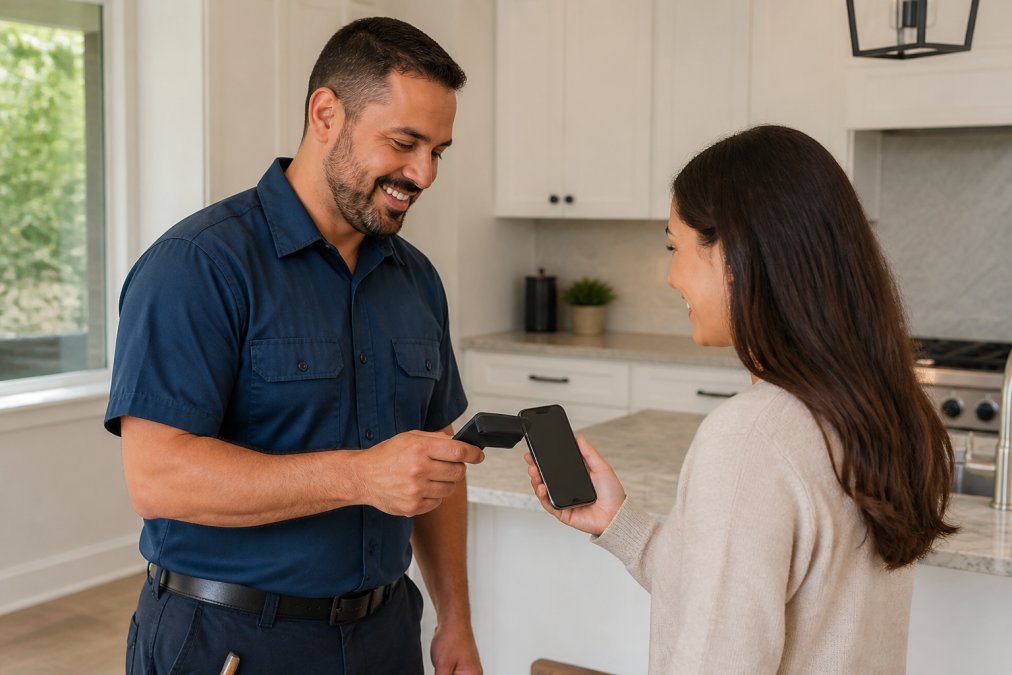
Home services contractors (plumbers, electricians, HVAC technicians): An NFC card tapped at the end of a job gets saved directly to the client's phone, ensuring the contractor is the first call when the next issue arises.
Event professionals (photographers, caterers, florists): A QR code on a quote document or email signature lets clients save contact details without a face-to-face meeting.
Property managers: Digital cards with CRM integration allow property managers to log every contractor interaction, track service history, and rebook trusted vendors without re-searching.
Consultants and financial advisors: A digital card shared via Apple Wallet or email signature reinforces professional branding at every client touchpoint and includes a direct booking link.
Best Digital Business Card Apps and Tools Worth Using
Tool | Best For | Key Feature | Pricing Model |
|---|---|---|---|
MyProBook SmartTap™ | Service pros building repeat bookings | Clients save directly to their ProBook for rebooking | Free to list |
Blinq | Individuals and teams | AI Notetaker, CRM sync, Apple Watch sharing | Free; paid from ~$7.33/mo |
HiHello | Feature-rich contact management | AI card scanner, virtual backgrounds | Free; paid from ~$6/mo |
Uniqode | Enterprise teams | SAML/SSO, advanced analytics, CRM integration | Free tier; team plans available |
Tappett | Physical NFC hardware | Eco-friendly materials, no app required | From $34.97 CAD one-time |
V1CE | Premium physical cards | Bamboo/steel options, lifetime replacement | From $46 CAD one-time |
MyProBook's SmartTap™ stands apart because it's built specifically for service professionals who need repeat bookings, not just contact exchanges. When a client taps a SmartTap™ card, they don't just save a phone number: they add the provider to their ProBook, where service history, estimates, and rebooking tools are already waiting.
For professionals who meet clients in person, Tappett and V1CE offer quality physical hardware with Canadian availability. For teams needing enterprise scalability and analytics, Uniqode is the strongest option. Blinq and HiHello are solid all-rounders for individuals who want cross-platform compatibility without a hardware commitment.
Digital Business Card Best Practices That Drive Repeat Business
A digital card is only as effective as the profile behind it. Most service professionals set up a basic profile and stop there.
Profile completeness drives engagement. Include your service areas, a professional photo, a short description of what you do and who you serve, and at least one call to action. Profiles with photos and service details convert views into saved contacts at a higher rate than bare-bones contact listings.
Update your profile after every service change. When you add a new service, expand your area, or run a seasonal promotion, update your digital card the same day.
Use the analytics. Check profile views weekly. A spike in views after a specific job or referral tells you where your leads are coming from.
Prompt the tap at the right moment. The best time to share your digital card is at the end of a successful job, when the client is satisfied and the relationship is warm.
Integrate with your scheduling tool. Platforms that connect with Google Calendar or Microsoft 365 let clients book directly from your profile. Reducing the steps between "I want to rebook this contractor" and a confirmed appointment is where repeat business is won or lost.
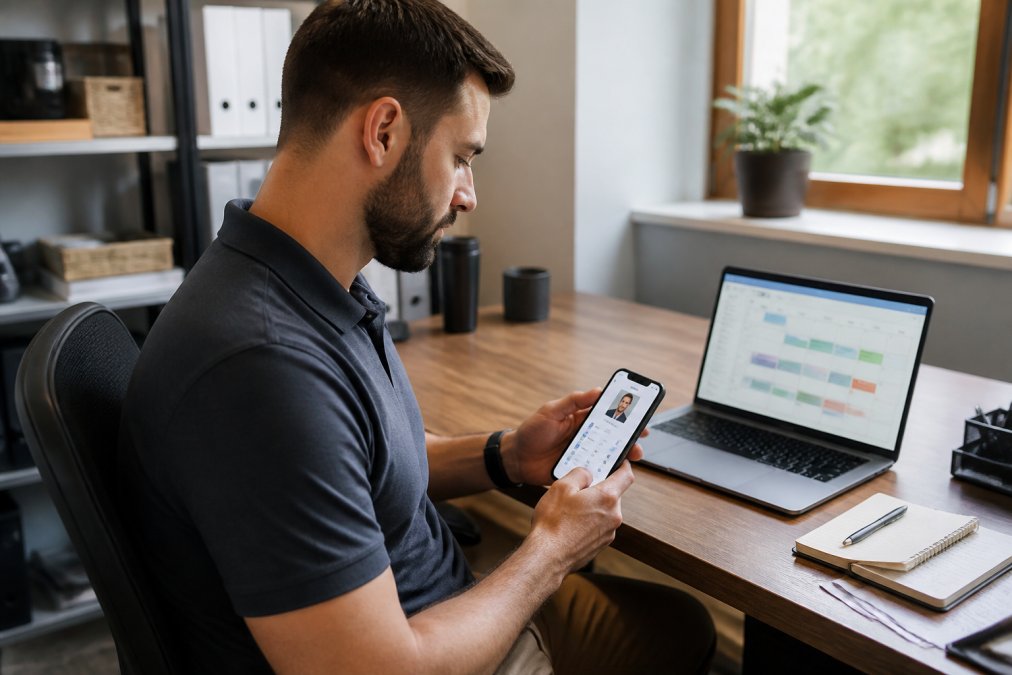
For service professionals using MyProBook, the SmartTap™ card connects the first impression directly to the rebooking workflow. Clients who save a provider to their ProBook have the provider's full service history, past estimates, and a direct booking path in one place.
According to Statistics Canada's small business digital adoption data, small businesses that adopt digital tools for client communication and relationship management report stronger client retention outcomes.
Service professionals face a consistent challenge: doing excellent work is not enough if clients can't find you when the next project starts. MyProBook addresses this directly through the SmartTap™ digital business card, which connects a first tap to a full rebooking workflow, complete with service history, estimates, and scheduling in one centralized place. The platform is free to sign up for both service providers and clients. Build your ProBook free and start turning first impressions into lasting client relationships.
Frequently Asked Questions
Are digital business cards worth it for small business owners?
For most small business owners, digital business cards pay for themselves quickly. Printing costs for paper cards add up every time your phone number, address, or services change — and those cards become useless the moment details shift. A digital card updates instantly, shares via QR code or NFC tap, and can connect directly to a booking or CRM tool. For service providers focused on repeat business, the ability to get saved in a client's contact list automatically is a clear advantage over handing over a card that gets lost in a drawer.
How do digital business cards work on mobile devices?
Most digital business cards work through two methods: NFC (near-field communication) and QR codes. With NFC, a physical card or phone sticker transmits your profile data when tapped against another NFC-enabled smartphone — no app required on the recipient's end. QR codes work by letting anyone scan a code with their phone camera, which opens your digital profile in a browser. From there, recipients can save your contact details directly to their phone or a platform like MyProBook for easy rebooking later.
Are digital business cards compliant with PIPEDA privacy standards?
Compliance depends on the platform you choose. Canada's Personal Information Protection and Electronic Documents Act (PIPEDA) requires that any personal data collected — including contact details captured through a digital card — be collected with consent, stored securely, and used only for its stated purpose. When evaluating digital business card apps, check whether the provider stores data on Canadian or adequately protected servers, offers clear privacy policies, and gives recipients control over how their information is used. Platforms with enterprise-grade security protocols and documented data handling practices are the safest choice.
What do people use instead of business cards in 2026?
Digital business cards have largely replaced paper cards for professionals who network regularly. Options range from NFC-enabled physical cards that tap to share, to app-based profiles shared via QR code or link. Platforms built for service industries — like MyProBook's SmartTap™ card — go further by connecting the card share directly to a booking and contact management system, so the exchange leads to a saved relationship rather than just a stored phone number. Email signatures and LinkedIn profiles also serve a similar function in digital-first contexts.
This article was written using GrandRanker